Messaging / instant chat app
Chat Web Application - Login
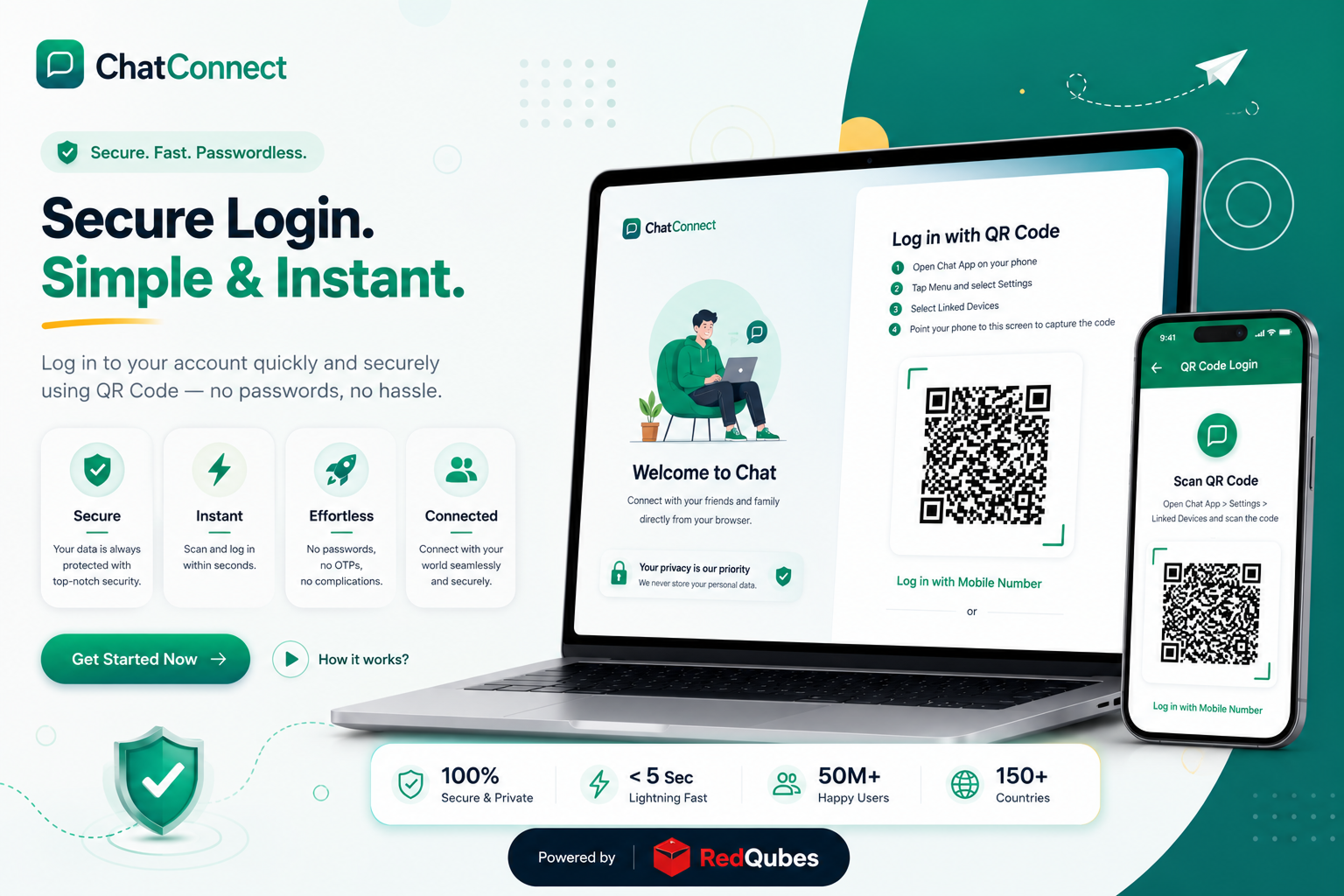
This is the web login portal for a Chat App, letting users sign in either via mobile number + OTP verification or by scanning a QR code to link their browser session with an existing phone app session, mimicking WhatsApp Web's login flow.
About the project
This page is specifically the authentication/login screen for a chat web application, closely mirroring the login pattern popularized by WhatsApp Web. It offers two distinct login paths: the first is a mobile number-based flow where a user enters their number (with a +91 India country code pre-set), receives a 6-digit OTP, and verifies it to log in; the second is a QR-code linked-device flow, where the instructions guide users to open the Chat App on their phone, go to Settings, select Linked Devices, and scan the on-screen QR code to authenticate the browser session, again directly modeled on WhatsApp's multi-device linking system. After successful verification through either method, the page shows a simple "Login Successful! Redirecting to chats..." confirmation before presumably routing into the actual chat interface. Notably, the page also exposes a labeled field for an "API Base URL (for testing)," which strongly suggests this is a development/testing build rather than a finished production deployment, likely used internally to point the frontend at different backend environments during QA. Beyond the login flow, no other functionality (contacts, chat threads, message composer, calls, media sharing) is visible from this fetch, since the actual chat interface would only load after successful authentication.
Technology stack
Frontend: A static HTML/JS web clientBackend: A dedicated API serverInfrastructure: Hosted under "webspidy.in,"
Now Accepting Q4 Enterprise Squad Builds
Build the product your
market hasn't seen yet
Tell us about your roadmap. A senior partner will reply within one business day with a sharp technical evaluation, architecture brief, and squad timeline.
Reply < 24h guaranteedMutual NDA on requestSOC 2 / ISO ready
180+
Platforms Shipped
Zero failed launches
11 Wks
Avg Time to Market
Discovery to production
$4.2B+
Monthly Volume
Processed securely
99.99%
Availability SLA
Bank-grade infrastructure
Direct Partner SLA
Reply inside 1 business day